



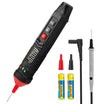


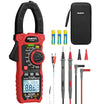
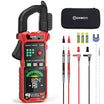
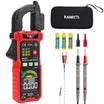
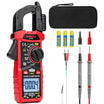

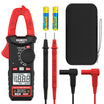






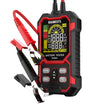
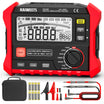
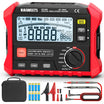
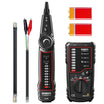






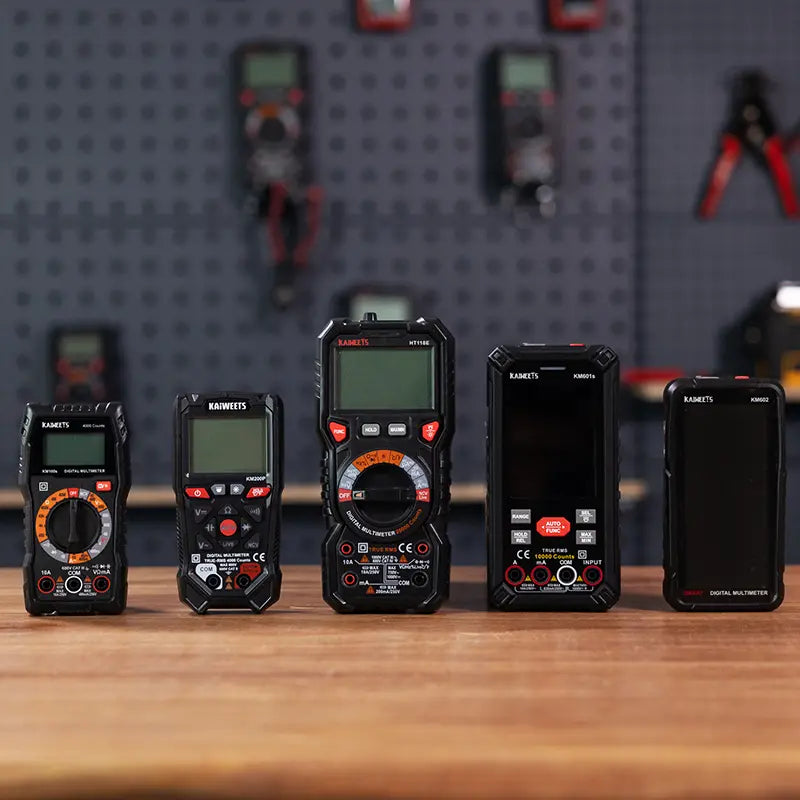
Choosing a multimeter can take time when there are so many models, functions and price points to compare. Without a clear idea of what you need, it is easy to pay for features you may never use or choose a meter that is not suitable for your work.
You will learn in this multimeter buying guide:
- What to look for in a good multimeter
- Which functions and safety information matter for your work
- How to choose a meter that fits your needs
What Is a Good Multimeter?
A good multimeter is not simply the model with the most functions or the highest price.
In general, a good multimeter should meet four basic requirements:
| What to Look For | Why It Matters | Example |
|---|---|---|
| Suitable Safety Rating | The meter should be rated for the electrical environment where you plan to use it. | Checking a battery is different from testing fixed wiring or working near a distribution panel. |
| Functions That Match Your Work | A good meter should include the measurements you actually need. | Voltage and continuity may be enough for home checks, while capacitance is useful for HVAC work. |
| Dependable Readings | Reliable measurements make troubleshooting easier. | Accurate voltage readings matter when checking a power supply or diagnosing equipment problems. |
| Easy-to-Use Design | The meter should be clear and practical to operate. | Clear input jacks, a readable display and auto-ranging make everyday testing easier. |
The best multimeter is the one that gives you the right balance of safety, function, accuracy and ease of use for the jobs you actually plan to do.
What Should You Consider When Buying a Multimeter?
1. Start With What You Plan to Measure
Before comparing specifications, think about what you actually need the multimeter to do. Your intended use will determine which functions are worth considering.
A clear idea of your needs will help you narrow down your choices and avoid paying for features you may never use.
2. Check Safety Ratings and Certification Marks
Safety information deserves special attention when choosing a multimeter. Start with the meter’s CAT rating and rated voltage, such as CAT III 600 V. These markings indicate the type of electrical environment the meter is designed for.
- CAT III: For three-phase distribution systems, including indoor commercial lighting, switches, busbars and circuit breakers.
- CAT IV: For utility-level connections, outside overhead lines, service entrances and electricity meters.
However, a CAT rating printed on the plastic housing is meaningless unless verified by an independent third-party laboratory. Look for these safety marks on the back of the device:
- UL (Underwriters Laboratories) & ETL (Intertek): These symbols guarantee that the multimeter has been rigorously tested in a lab to meet strict North American safety standards. It proves the meter will actually protect you from the voltage spikes it claims to handle.
- CE (Conformité Européenne): Indicates compliance with European Union health, safety and environmental protection standards.
3. Choose the Measurement Functions You Need
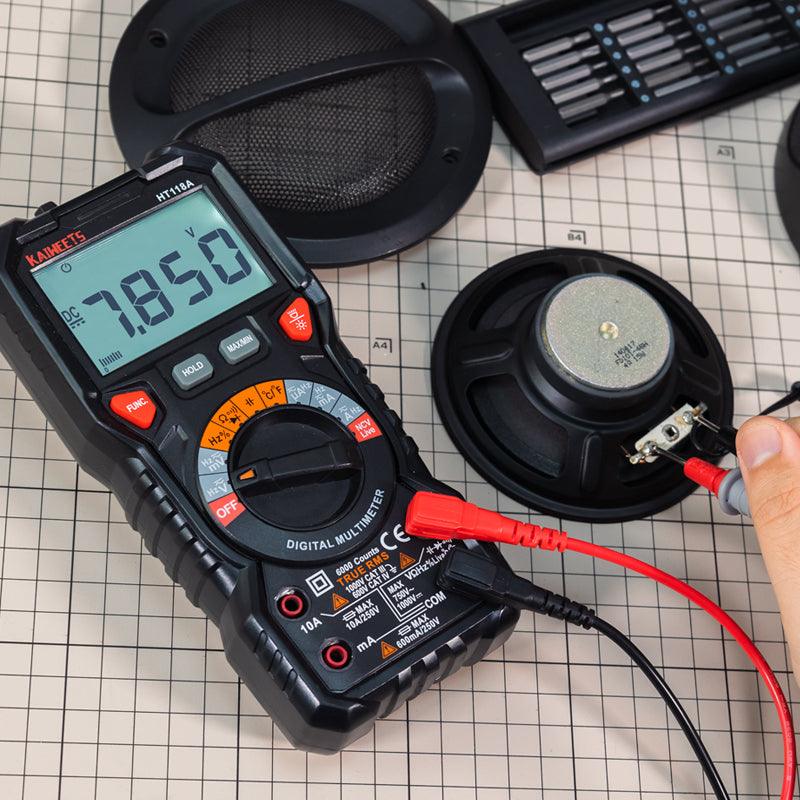
Every digital multimeter uses distinct multimeter symbols on its center dial to represent different diagnostic tests. Understanding these functions helps you choose a tool that matches your specific troubleshooting tasks.
For home users and beginners, a meter that handles basic electrical checks is usually sufficient.
Basic Functions for Everyday Checks
| Function | What It Measures | Practical Example |
|---|---|---|
| DC Voltage | Voltage in direct-current systems | Checking AA batteries, power adapters or a car battery |
| AC Voltage | Voltage in alternating-current systems | Checking household supply or appliance power |
| Resistance | Opposition to electrical current | Checking resistors or basic circuit conditions |
| Continuity | Whether an electrical path is complete | Checking wires, switches and fuses |
Additional Functions for More Specific Work
| Function | Useful For | Practical Example |
|---|---|---|
| Current Measurement | Measuring current flowing through a circuit | Checking current draw in a small electronic or automotive circuit |
| Diode Test | Checking certain electronic components | Testing diodes during electronics repair |
| Capacitance | Measuring capacitor value | Checking an HVAC capacitor |
| Temperature | Measuring temperature with a probe | Checking air outlet or equipment temperature |
| Frequency | Measuring signal or electrical frequency | Troubleshooting motors or controlled equipment |
| Duty Cycle | Checking controlled electrical signals | Working with electronic control circuits |
| NCV or Live Detection | Quickly indicating the possible presence of nearby AC voltage | Screening for a potentially energized wire before further testing |
Non-contact voltage detection is a convenient indication feature, but it should not replace proper measurement procedures when confirming circuit conditions.
When comparing models, do not assume that a longer list of functions automatically means a better meter. A feature is worth paying for only when it is useful for the work you actually do.
4. Measurement Range and Accuracy
Product pages often list specifications such as measurement range, accuracy, resolution and counts. These details can help you compare meters.
| Specification | What It Means | Why It Matters |
|---|---|---|
| Measurement Range | The lowest and highest value the meter can measure in a mode | A meter must cover the voltages, currents or resistances you plan to test |
| Accuracy | How close the displayed reading is expected to be to the actual value | More important when troubleshooting or comparing small differences |
| Resolution | How small a change the meter can display | Helpful when you need to see fine changes in a reading |
| Counts | How much detail the display can show before changing range | Higher counts can provide finer display detail in some measurements |
5. Auto-Ranging vs. Manual-Ranging
One noticeable difference between multimeters is how they select the measurement range.
A manual-ranging multimeter requires you to choose the range before or during the measurement. An auto-ranging multimeter automatically selects a suitable range based on the value being measured.
| Type | How It Works | Suitable For |
|---|---|---|
| Manual-Ranging | You select the measurement range yourself | Users who know the expected range and want basic control |
| Auto-Ranging | The meter automatically selects a suitable range | Beginners, home users and anyone who wants quicker setup |
| Auto-Ranging With Manual Selection | Automatically ranges but also allows manual control | Users who want convenience with added flexibility |
For example, when checking an unknown battery or working through several basic tests, an auto-ranging meter can save time because you do not need to stop and choose a new range each time.
For beginners and general home use, auto-ranging is often the easier option. More experienced users may appreciate a model that also allows manual range selection when needed.
6. Decide Whether You Need True RMS
You may see True RMS listed on many multimeter product pages, often on models designed for a wider range of AC measurements.
A True-RMS multimeter is useful when measuring AC voltage or current from equipment that may produce distorted or non-sinusoidal waveforms. On distorted waveforms, an average-responding meter may produce significantly inaccurate readings.
You should invest in a True RMS meter if you plan to work on:
- Variable-speed motor drives or HVAC equipment that uses variable-frequency drives (VFDs).
- Computers, servers or office equipment that use switching power supplies.
- LED drivers, dimmers or electronic lighting controls.
- Solar inverters or backup power systems with inverter output.
- Industrial equipment with electronically controlled motors or power systems.
For basic battery checks, continuity testing or simple DC measurements, True RMS is usually not the first feature you need to prioritize.
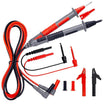
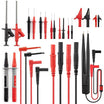
7. Test leads, Fuses and Extra accessories
The multimeter itself is only part of the purchase. The test leads and protection features also affect safety, convenience and long-term use.
| Item to Check | Why It Matters |
|---|---|
| Test lead condition and insulation | Damaged or low-quality leads can make measurement less safe and less convenient |
| Test lead rating | Leads should be appropriate for the intended measurement environment |
| Fused current inputs | Important protection when measuring current |
| Alligator clips | Useful when you need a stable connection to a battery or wire |
| Temperature probe | Helpful for HVAC or appliance-related checks |
| Storage case | Keeps the meter and accessories organized |
How Much Does a Multimeter Cost?
If you are wondering how much a multimeter costs, the answer depends on the functions, safety information, accuracy and durability you need.
Basic digital multimeters often cost around $20 to $40 and can be suitable for battery checks, continuity tests and simple home or DIY tasks. More capable general-purpose models commonly fall around $40 to $100, with features such as auto-ranging, True RMS, capacitance, temperature measurement or more measurement modes.
Professional multimeters can cost $100 or much more, especially when they are designed for regular electrical, HVAC or industrial work with stronger safety positioning, higher reliability or specialized features.
If you plan to use a multimeter beyond basic low-voltage checks, do not choose based on price alone. It can be worth paying more for a meter with safety ratings and relevant certification information suited to the environment where you will use it.
You do not need to buy the most expensive meter to make a good choice. Start with the work you plan to do, then pay for the safety level and functions that actually matter for that work.
Which multimeter should you buy? A quick buying checklist
Clear needs make choosing easier.
Before choosing a multimeter, ask yourself these questions:
- What will I use it for?
- Do I need basic measurements or more advanced functions?
- Is it suitably rated for the electrical environment where I will use it?
- How often will I use it?
- Do I need any additional accessories?
- Does it fit my budget?
The right multimeter is one that meets your actual needs without adding unnecessary cost.
Dig deeper:


Commenta
Nota che i commenti devono essere approvati prima di essere pubblicati.
Questo sito è protetto da hCaptcha e applica le Norme sulla privacy e i Termini di servizio di hCaptcha.